How to Create a Modal Popup in WordPress Without a Plugin (HTML & CSS)
Learn how to create a popup in WordPress without a plugin using HTML, CSS, and JavaScript. Includes auto-open timer, exit-intent, and scroll-depth trigger code.

Learn how to create a popup in WordPress without a plugin using HTML, CSS, and JavaScript. Includes auto-open timer, exit-intent, and scroll-depth trigger code.
Learn how to add a responsive lightbox to WordPress image galleries using plugins, the Gutenberg block editor, Elementor, or manual PhotoSwipe integration. Step-by-step guide for all skill levels.
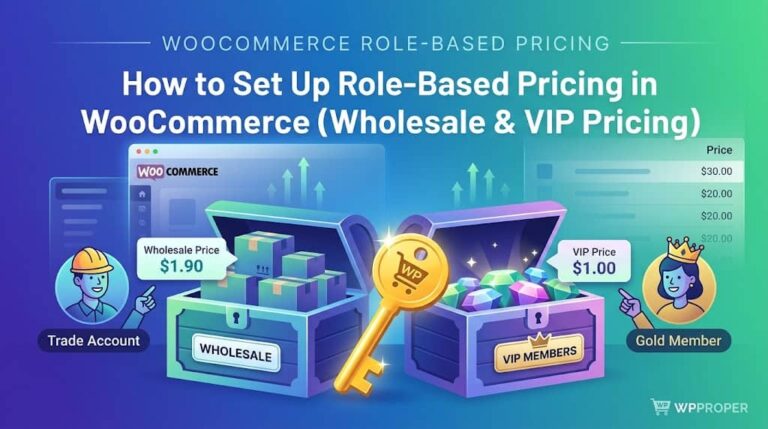
If you run a WooCommerce store that serves both retail customers and wholesale buyers — or if you want to reward your most loyal shoppers…
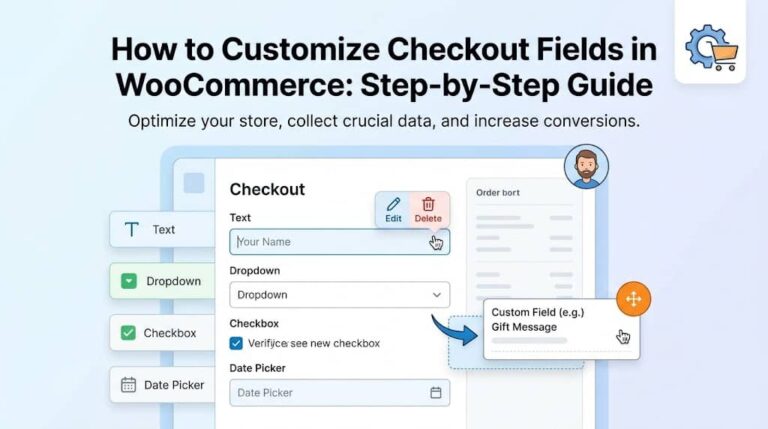
1. Why Customizing Your WooCommerce Checkout Matters Your WooCommerce checkout page is arguably the single most important page on your entire online store. It is…
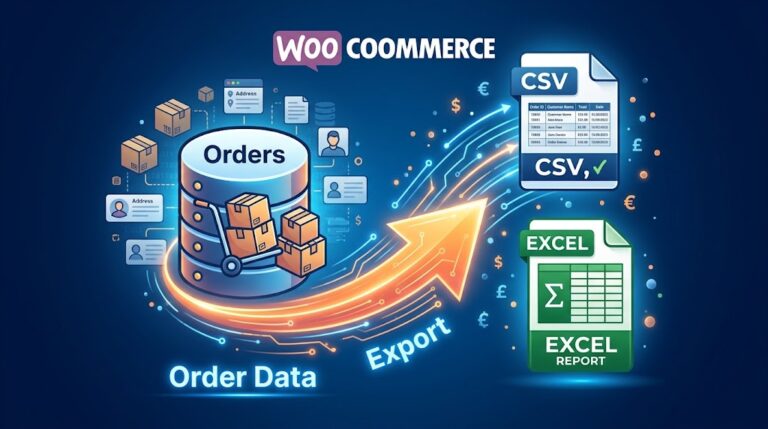
Every WooCommerce store owner eventually faces the same need: getting order data out of WordPress and into a format they can actually work with. Whether…
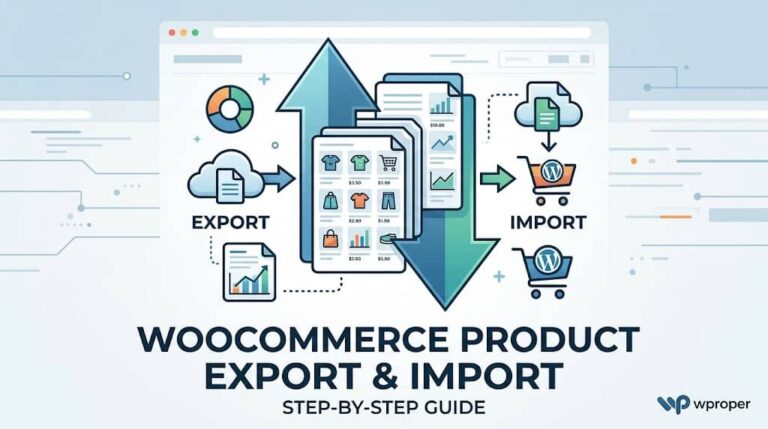
Running a WooCommerce store means your product catalog is the backbone of your business. Whether you have 20 products or 20,000, there inevitably comes a…
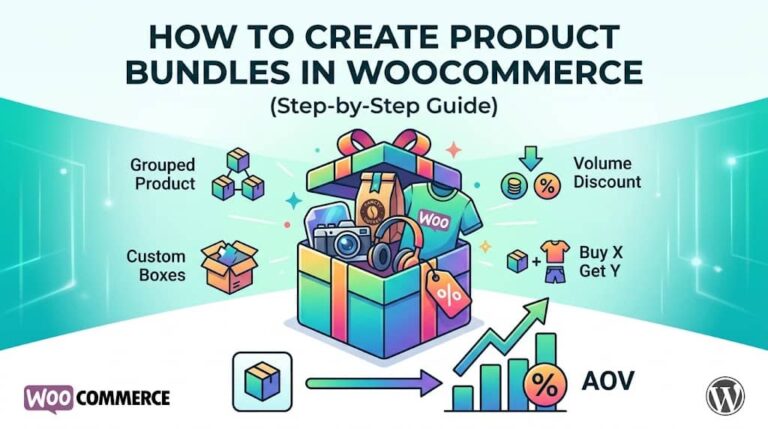
If you run a WooCommerce store, you’ve probably noticed that customers who buy more in a single order are far more valuable than those who…
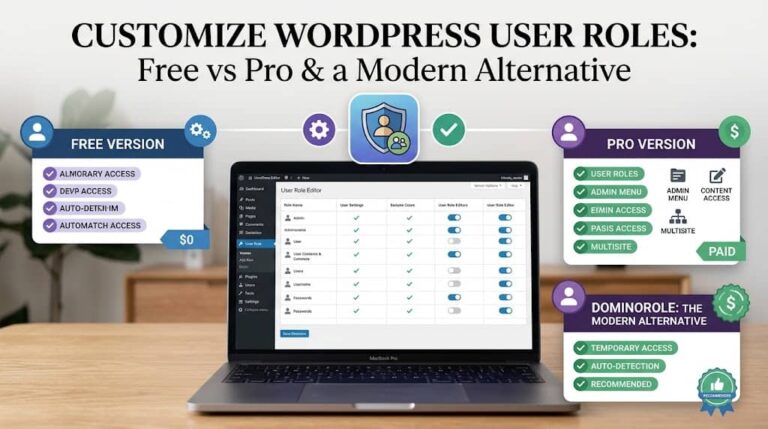
Every WordPress site owner eventually faces the same challenge: you need to give someone — a contractor, a team member, a client — access to…
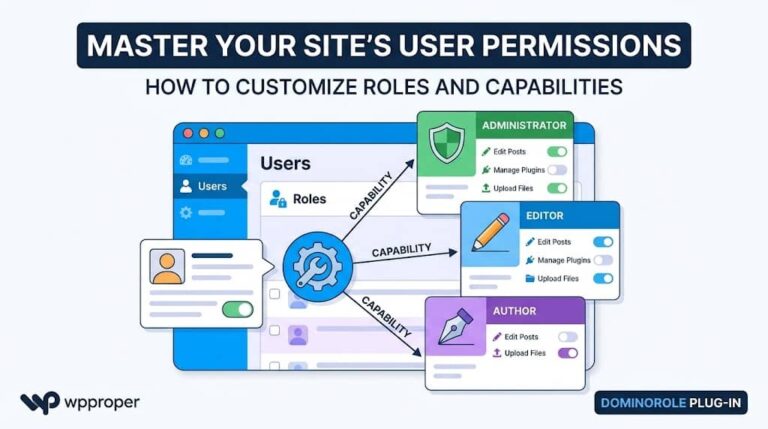
WordPress’s built-in access control system is both powerful and misunderstood. Every action a user takes on your site — from publishing a post to installing…
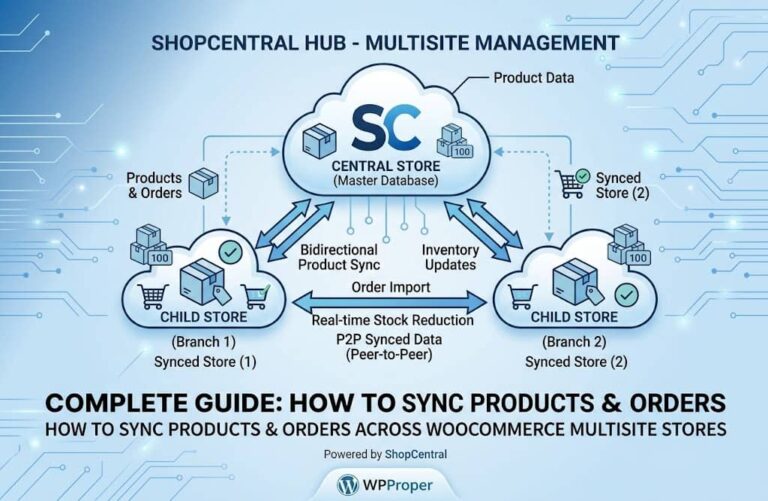
Scaling a WooCommerce business almost always means expanding beyond a single store. You might open a regional subdomain for a new market, launch a separate…
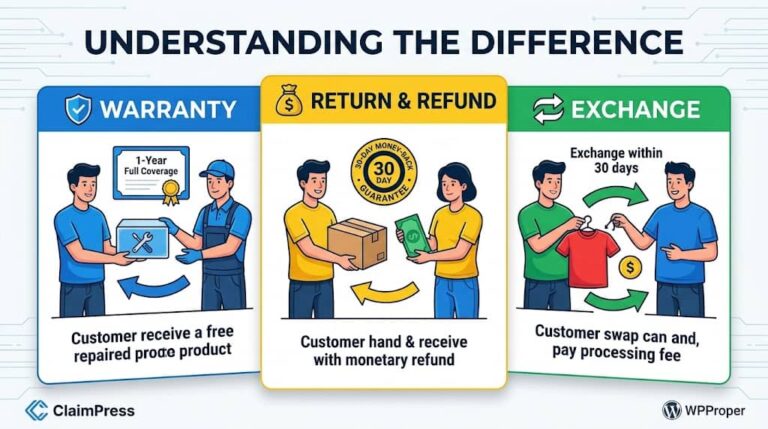
Running a WooCommerce store is rewarding — but there is one unavoidable reality every online store owner eventually faces: customers will request returns, refunds, and…